SoilWise Geopackage
What is QField
QField is a mobile application developed by OPENGIS.ch designed to bring the power and flexibility of GIS projects created in QGIS directly into the field. The main goal of QField is to allow technicians, researchers, and field operators to collect, view, and update geographic data directly from a smartphone or tablet, while maintaining full interoperability with the QGIS desktop environment.
Thanks to an intuitive interface optimized for touch devices and real-world working conditions, QField minimizes manual operations and provides fast tools for form filling, geolocation, and the acquisition of photos and media.
Main features
- Offline/online editing – Allows work even without a connection, saving changes locally with later synchronization.
- Custom forms – QField interprets and uses forms configured in QGIS (rules, widgets, required fields, default values).
- Data management via GeoPackage – A single container for vector data, raster files, attachments, and configurations.
- Optimized touch interface – Tools that can be easily used even with one hand.
- Synchronization with QGIS through QFieldSync – Enables preparation, export, and import of projects.
- QFieldCloud support (optional) – For real-time multi-user collaboration.
Installing QField (Android, iOS, Windows)
Installing QField is simple and varies depending on the operating system used. The app is available for Android, iOS, and Windows, with consistent functionality adapted to different devices.
Android
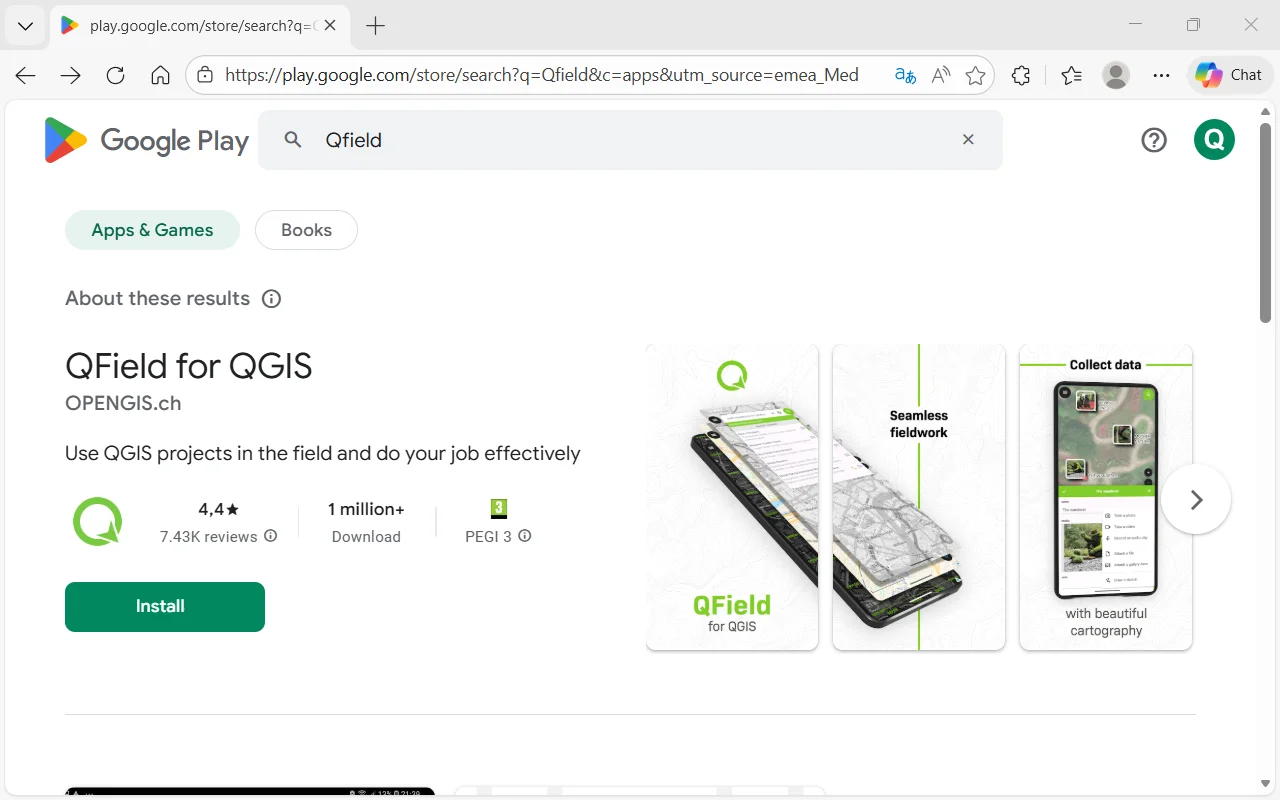 ① Open Google Play Store.
② Search for QField.
③ Select the official OPENGIS.ch app.
④ Tap Install.
Note
Compatible with smartphones, tablets, and rugged devices used in field operations.
iOS (iPhone/iPad)
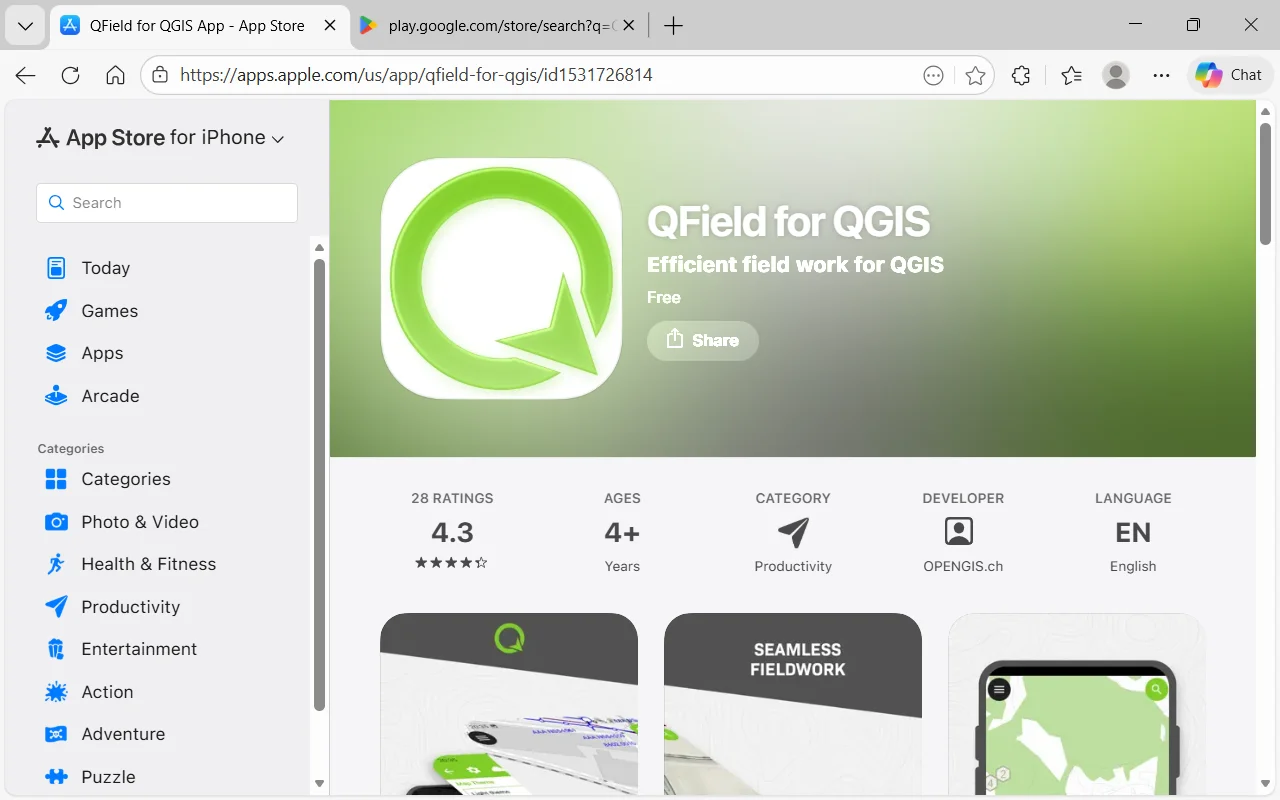 ① Open the App Store.
② Search for QField.
③ Tap Get.
Note
On iOS, file transfer may require the Files app or cloud services.
Windows (tablet rugged, Surface, laptop)
QField is also available for Windows through the Microsoft Store, ideal for rugged tablets, 2‑in‑1 devices, and laptops used for fieldwork.
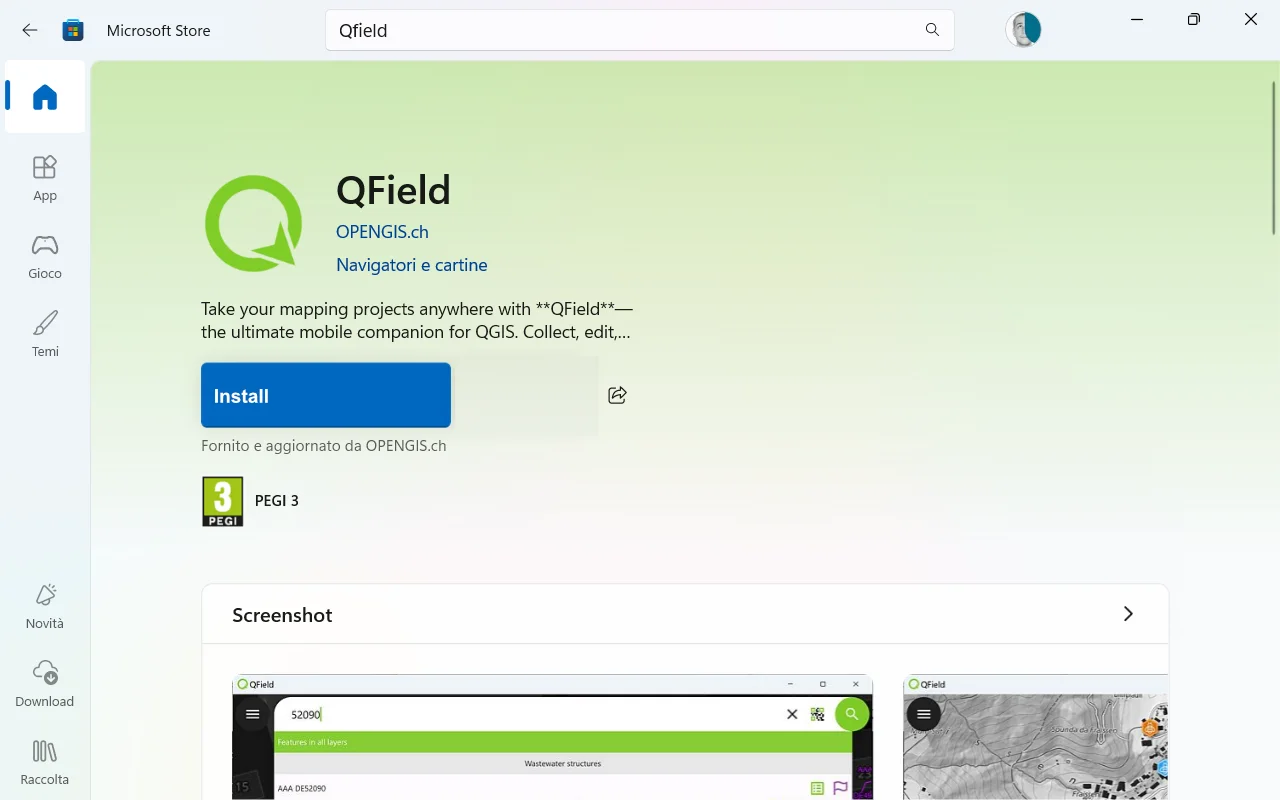 ① Open the Microsoft Store on your Windows device.
② Type "QField” into the search bar.
③ Select the official "QField” for Windowsapp developed by OPENGIS.ch.
④ Click Install to start the download and automatic installation.
Note
The app can be installed without administrative privileges (depending on company policies).
Once installed, QField will appear in the Start menu like any other Windows app.
It is particularly suitable for tablets with integrated GPS or rugged devices used for fieldwork.